Digital Eye Strain in 2026: 15 Expert Tips to Protect Your Eyes from Screens
We spend more time in front of digital screens than ever before. Whether you're working from home, attending online classes, gaming, or scrolling through social media, your eyes are constantly exposed to digital devices.
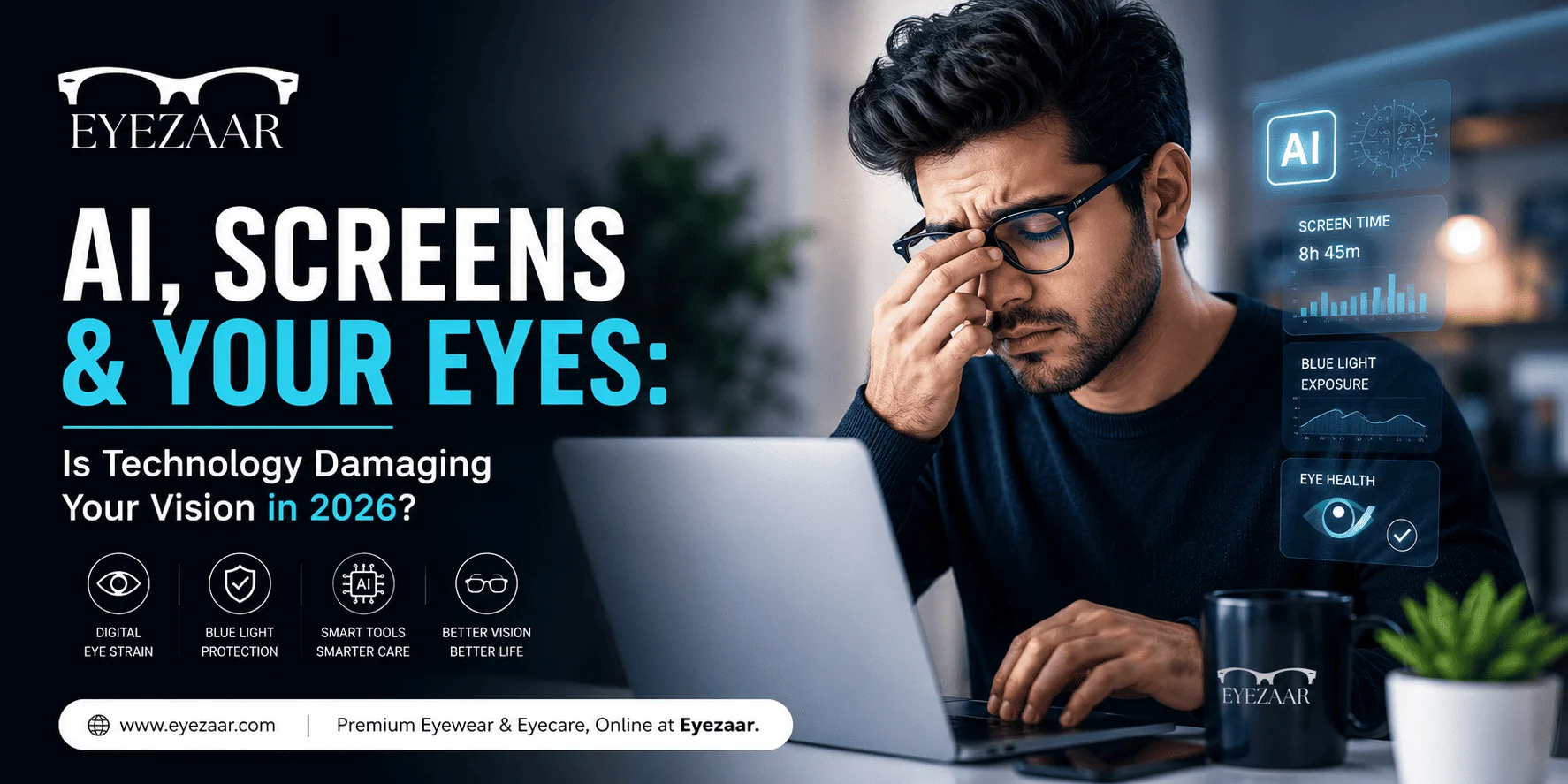
If you've ever experienced tired eyes, headaches, blurry vision, or dry eyes after using your phone or laptop, you're likely experiencing Digital Eye Strain, also known as Computer Vision Syndrome.
The good news? It's preventable.
In this guide, Eyezaar explains everything you need to know about digital eye strain and how to protect your vision in today's digital world.
What is Digital Eye Strain?
Digital Eye Strain is a group of vision and eye-related problems caused by prolonged use of digital devices such as:
- Smartphones
- Laptops
- Desktop Computers
- Tablets
- Gaming Consoles
- Smart TVs
Unlike reading from paper, digital screens require your eyes to work much harder because of glare, blue light, reduced blinking, and constantly changing focus.
Common Symptoms
You may have digital eye strain if you experience:
Dry eyes
Blurry vision
Burning sensation
Watery eyes
Headaches
Neck pain
Shoulder pain
Difficulty focusing
Eye fatigue
These symptoms usually become worse after several hours of continuous screen use.
Why Are More People Experiencing Eye Strain in 2026?
Today's lifestyle revolves around screens.
The average person spends more than 7–10 hours daily looking at digital devices.
Common reasons include:
- Remote work
- Online education
- Artificial Intelligence tools
- Social media
- Video streaming
- Mobile gaming
- Digital meetings
As screen time increases, so does eye fatigue.
15 Expert Tips to Protect Your Eyes
1. Follow the 20-20-20 Rule
Every 20 minutes:
Look at something 20 feet away for at least 20 seconds.
This helps relax your eye muscles.
2. Blink More Often
Normally, humans blink around 15–20 times per minute.
While using screens, this drops to almost half.
Blinking keeps your eyes naturally lubricated.
3. Adjust Screen Brightness
Your screen should neither be brighter nor darker than your surroundings.
Avoid maximum brightness whenever possible.
4. Reduce Screen Glare
Use anti-glare filters or position your monitor away from direct sunlight.
5. Keep Proper Distance
Recommended distance:
- Smartphone: 16–18 inches
- Laptop/Desktop: 20–28 inches
Your monitor should sit slightly below eye level.
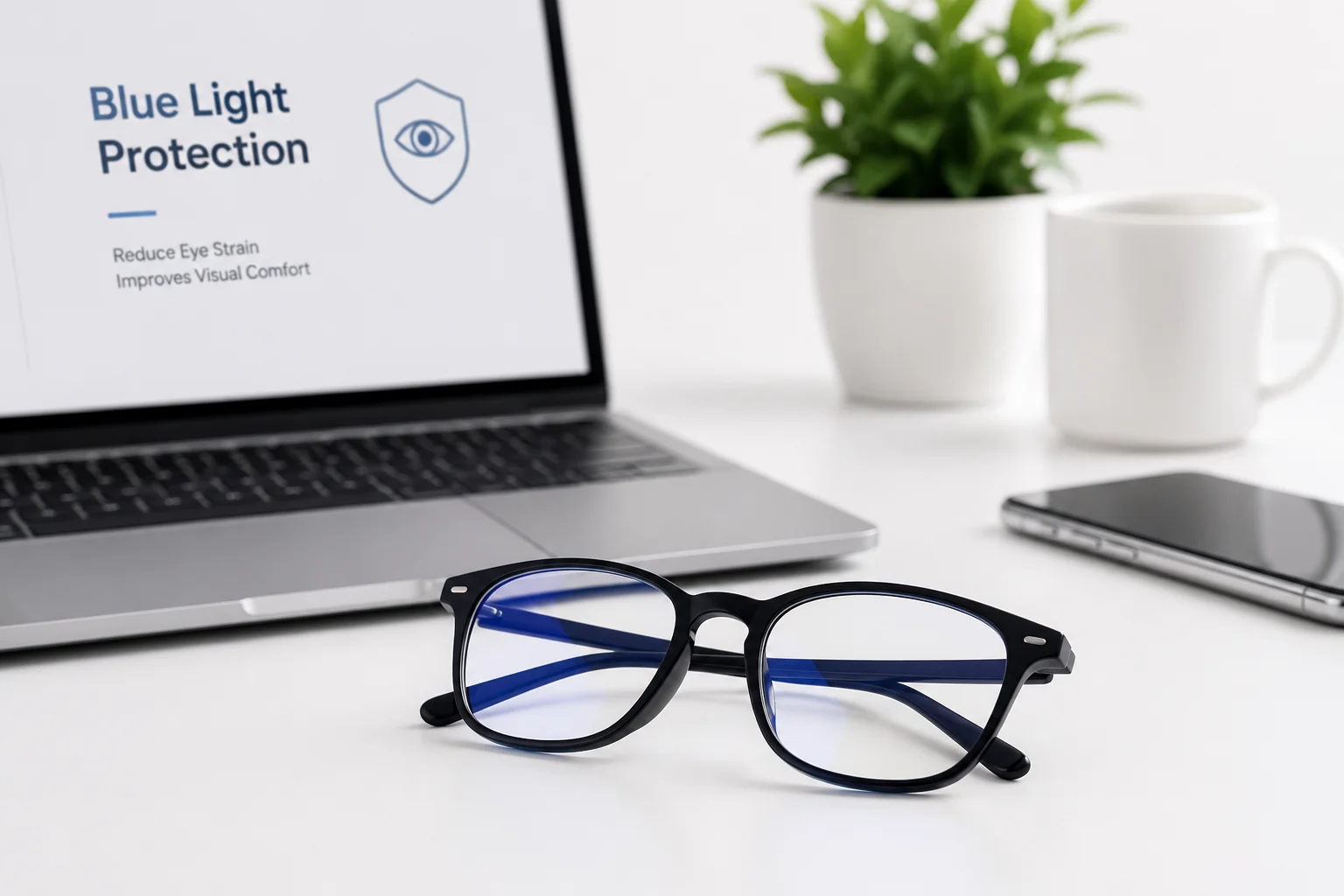
6. Use Blue Light Filtering Glasses
Blue light filtering lenses help reduce glare and improve visual comfort during long hours of screen use.
They're especially useful for:
- Office workers
- Students
- Designers
- Developers
- Gamers
7. Stay Hydrated
Drinking enough water helps reduce dry eye symptoms.
8. Use Artificial Tears if Needed
If your eyes remain dry despite blinking more often, lubricating eye drops may help. Consult an eye care professional before regular use.
9. Increase Text Size
Avoid squinting.
Larger fonts reduce unnecessary eye strain.
10. Use Dark Mode Carefully
Dark mode can improve comfort for some users, especially in low-light environments, but it isn't always better for readability. Choose the mode that feels most comfortable for your eyes.
11. Take Regular Breaks
Stand up every hour.
Stretch your neck and shoulders.
This also improves blood circulation.
12. Get Enough Sleep
Lack of sleep significantly increases eye fatigue.
Adults should aim for 7–9 hours of quality sleep.
13. Maintain Good Lighting
Avoid working in completely dark rooms.
Balanced ambient lighting reduces screen contrast.
14. Keep Your Screen Clean
Dust and fingerprints increase glare.
Clean your screen regularly.
15. Have Regular Eye Exams
Many people experience eye strain simply because their prescription has changed.
Routine eye examinations ensure your vision stays clear.
Are Blue Light Glasses Worth It?
Blue light glasses have become increasingly popular among professionals, students, and gamers.
While they may not prevent all eye problems, many users report improved comfort during extended screen sessions, especially when combined with healthy screen habits.
If you spend more than 5–6 hours daily using digital devices, computer glasses can be a practical addition to your eye care routine.
Best Glasses for Screen Users
When choosing computer glasses, look for:
- Anti-reflective coating
- UV protection
- Lightweight frames
- Comfortable nose pads
- Prescription options (if needed)
- Blue light filtering lenses
Comfort is just as important as lens quality, especially if you wear glasses all day.
How Eyezaar Helps You Protect Your Vision
At Eyezaar, we believe eye care should be accessible, affordable, and convenient.
We offer:
- Stylish prescription glasses
- Blue light filtering lenses
- UV-protected sunglasses
- High-quality frames
- Online eye care guidance
- Affordable eyewear across Pakistan
Whether you're working, studying, or gaming, choosing the right eyewear can make long hours in front of screens more comfortable.
Final Thoughts
Digital screens are an unavoidable part of modern life, but eye strain doesn't have to be.
Small changes like taking regular breaks, blinking more often, adjusting your workspace, and wearing the right glasses can help keep your eyes comfortable and healthy.
Protect your vision today so your eyes stay strong for years to come.
Explore Eyezaar's range of eyewear designed for everyday comfort and digital lifestyles.